UHI Warranty Guide: Reliable Protection for Every Machine
Learn about general UHI machinery warranty periods, the information required to submit a warranty ticket and how our local teams support customers across Australia.
Buying machinery is a significant investment. Whether your equipment is used on a construction site, farm, civil project, landscaping job or private property, reliable after-sales support is an important part of choosing the right machinery supplier.
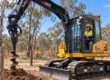
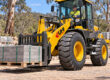
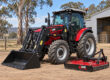
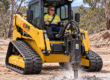
UHI equipment is backed by competitive warranty coverage, experienced technical assistance and an Australia-wide branch network. From mini excavators and tractors to wheel loaders, forklifts and skid steer loaders, our team is committed to making warranty support clear, practical and easy to access.
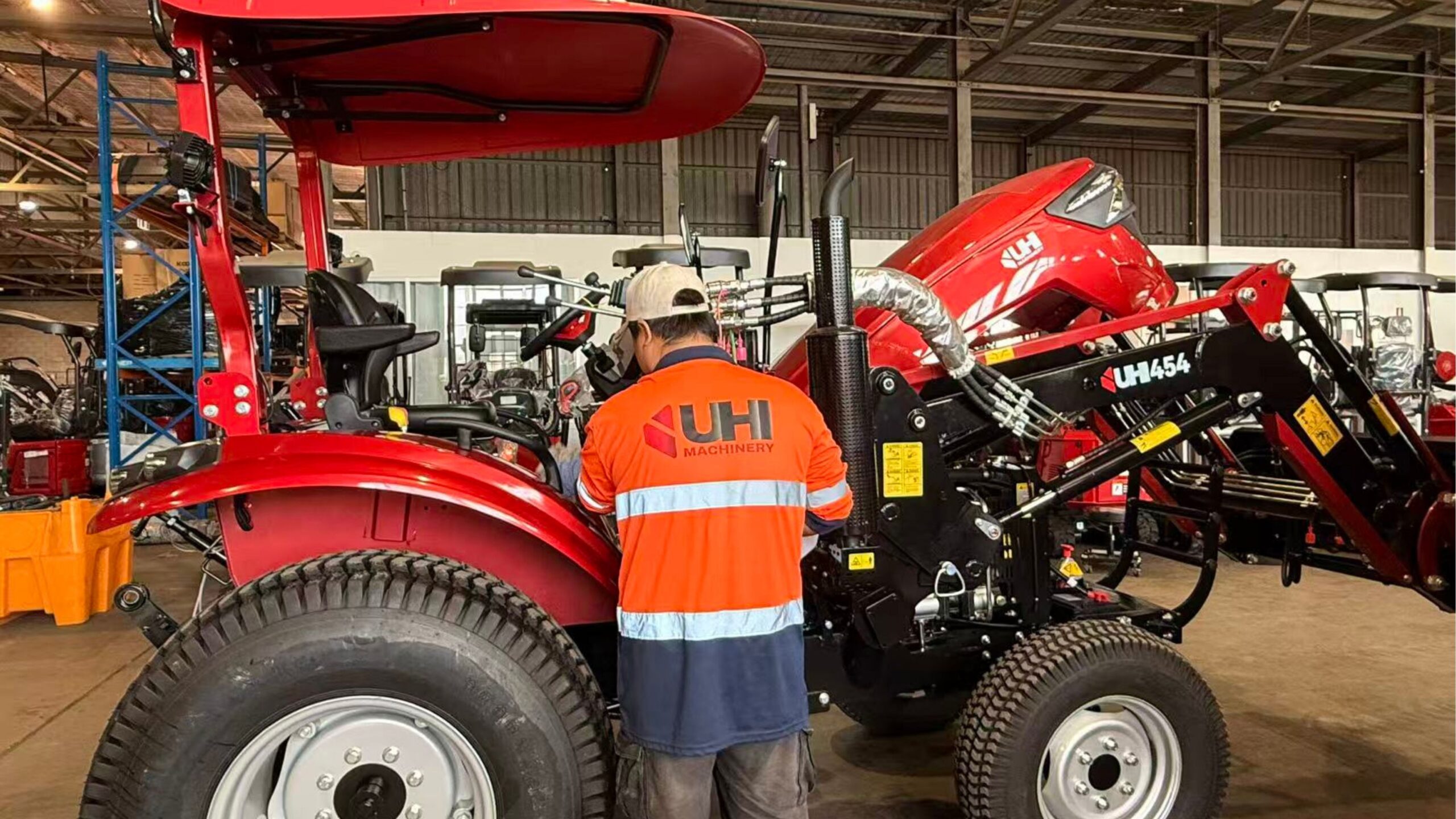
Experienced technical support helps customers receive practical assistance throughout the ownership of their machinery.
Why Machinery Warranty Matters
When comparing machinery, buyers commonly look at horsepower, operating weight, hydraulic performance, lifting capacity and available attachments. However, warranty coverage and after-sales support should also be considered.
A well-supported machinery warranty provides greater confidence in your investment and gives you access to technical assistance if a machine issue arises. Local support can also make communication easier and help reduce delays during the assessment process.
General Warranty Coverage Across the UHI Range
Warranty periods vary across machine types and individual models. The table below provides a general guide to warranty coverage available across the UHI machinery range.
| Machine category | General warranty period* |
|---|---|
| Mini Excavators | 3 Years |
| Tractors | 3 Years or 3,000 Hours |
| Wheel Loaders | 3 Years or 3,000 Hours |
| Mini Loaders | 2–3 Years |
| Forklifts | 3 Years |
| Skid Steer Loaders | 2 Years |
| Mini Dumpers | 2 Years |
| Bulldozers | 5 Years |
*The warranty periods above are a general guide only and may vary depending on the machine model, operating hours and applicable warranty terms. Please refer to the warranty information provided with your equipment or contact the UHI team for model-specific information.
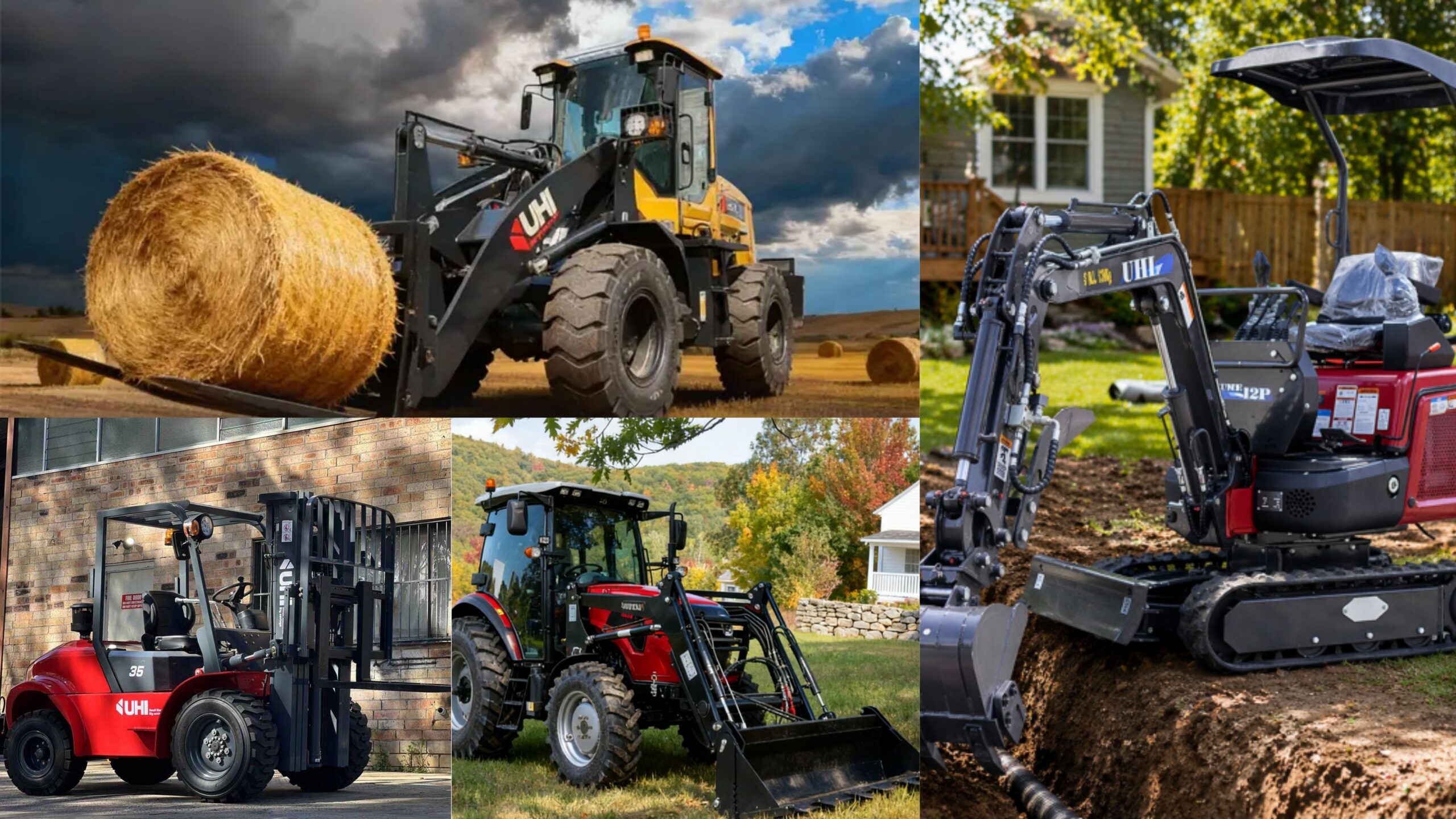
Warranty periods differ across excavators, tractors, loaders, forklifts and other machinery categories.
What Does UHI Warranty Generally Support?
Warranty assistance is intended to provide practical support when an eligible machine issue arises during the applicable warranty period. Each request is reviewed according to the machine and individual circumstances.
Technical Assessment
The information provided through your warranty ticket helps the technical team begin assessing the reported issue.
Fault Diagnosis
Photos, videos and a clear description may help identify the affected area and determine the next appropriate step.
Practical Assistance
Depending on the individual assessment, support may involve technical guidance, parts or repair assistance where applicable.
What Information Do I Need for a Warranty Ticket?
Before submitting your online warranty ticket, prepare the information below. Supplying clear and accurate details can help the team review your request more efficiently.
Machine Serial Number
The serial number, also known as the SN, helps identify your machine model and relevant production information.
Current Operating Hours
Enter the current hours displayed on the machine's hour meter so the team can understand its recorded usage.
Issue or Fault Description
Briefly explain the symptoms, when the issue began and what happens when the machine is operated.
Photos or Videos
Upload clear photos or videos showing the affected component, warning message, leak, damage or operating symptom.
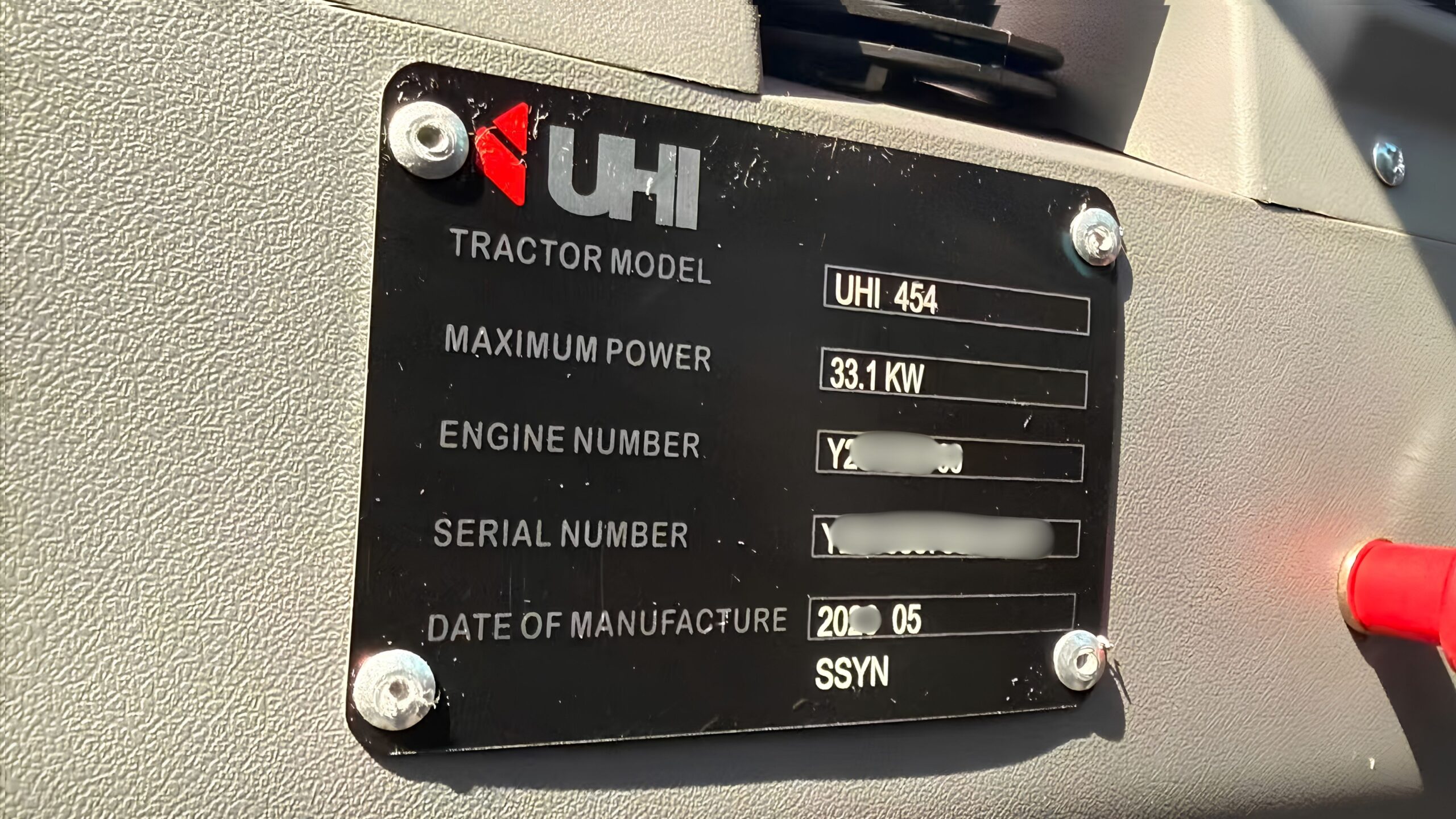
Why Do We Ask for the Serial Number?
Machinery models may have different components, specifications and production details. The serial number allows the team to identify the correct machine before reviewing your request.
Providing a clear photograph of the serial number plate can also help avoid typing errors and unnecessary follow-up questions.
Learn How to Find Your Serial NumberHow to Submit a UHI Warranty Claim
Customers can begin the warranty process by completing the online Warranty Claim Form. After the ticket is submitted, the relevant local team will review the information and contact the customer regarding the next steps.
Open the Online Form
Visit the UHI website and open the online Warranty Claim Form.
Enter Machine Details
Provide the serial number, current operating hours and your contact details.
Describe the Issue
Explain the symptoms and upload clear fault photos or videos.
Local Review
Your ticket will be reviewed and directed to the nearest appropriate UHI branch.
Team Follow-Up
A team member will contact you and guide you through the next steps.
Australia-Wide Machinery Support
UHI's branch network helps connect customers with local sales, spare parts, servicing and warranty assistance across Australia. After an online ticket is submitted, the nearest appropriate branch will contact the customer to discuss the reported issue.

UHI customers can access local assistance through our growing branch network across Australia.
Why Australian Customers Choose UHI
Choosing machinery is not only about the initial purchase. Customers also need access to communication, spare parts, servicing and practical support throughout machine ownership.
- Competitive machinery warranty periods
- Simple online warranty ticket process
- Australia-wide branch network
- Experienced technical assistance
- Spare parts support
- Responsive after-sales communication
Frequently Asked Warranty Questions
How long is the warranty on a UHI excavator?
UHI mini excavators are generally backed by a three-year warranty. The applicable warranty may vary depending on the machine model and warranty terms.
What is the warranty on a UHI tractor?
UHI tractors generally include a three-year or 3,000-hour warranty. Please confirm the applicable coverage for the specific tractor model.
Do UHI wheel loaders include a warranty?
UHI wheel loaders generally include a three-year or 3,000-hour warranty, subject to the applicable machine model and warranty terms.
How do I make a warranty claim?
Complete the online UHI Warranty Claim Form and submit the required machine and fault information. Your request will then be reviewed and directed to the appropriate local branch for follow-up.
What information do I need to submit?
Please prepare:
- The machine serial number or SN
- The current operating hours
- A description of the issue or symptoms
- Clear photos or videos of the fault
Who will contact me after I submit the ticket?
Once the ticket has been reviewed, a team member from the nearest appropriate UHI branch will contact you to discuss the issue and guide you through the next steps.
Why are photos or videos required?
Clear photos and videos help the technical team understand the symptoms, identify the affected component and begin reviewing the issue before contacting you.
Need Warranty Assistance?
Submit your machine details through our online Warranty Claim Form. Once the ticket has been received and reviewed, the nearest appropriate UHI branch will contact you and guide you through the next steps.